

Ransomware isn’t going away this coming year. If anything, it’s becoming more sophisticated and more targeted. The good news? You don’t need a Fortune 500 budget to protect your business. What you need is a clear understanding of the threats ahead and a practical plan to defend against them.
Let’s talk about what ransomware protection looks like for small and medium-sized businesses in 2026, focusing on practical steps you can take right now.

Understanding the Current Threat Landscape
Ransomware attacks have evolved significantly over the past few years. Attackers are no longer just encrypting your files and demanding payment. They’re stealing your data first, threatening to publish it if you don’t pay. They’re researching your business, your clients, and your revenue to determine exactly how much they think you can afford to pay.
Small and medium-sized businesses are increasingly in the crosshairs because attackers know you’re less likely to have dedicated security teams. You’re focused on running your business, managing customers, and keeping things moving. Cybercriminals understand this, and they’re counting on it.
The attacks are also more targeted. Instead of casting a wide net, many ransomware groups are carefully selecting victims, studying their businesses, and timing attacks for maximum impact, like right before quarter-end or during busy seasons when downtime is most costly.
Looking ahead to 2026, ransomware is increasingly supported by emerging tactics that are harder to detect at first glance. AI-driven phishing emails are more polished and personalized, deepfake technology is being used to impersonate executives or vendors, and attackers are focusing heavily on SaaS platforms like Microsoft 365 and cloud-based accounting tools. These attacks often blend in with normal business activity, which makes awareness and preparation even more important.
Start with the Basics: Your Human Firewall
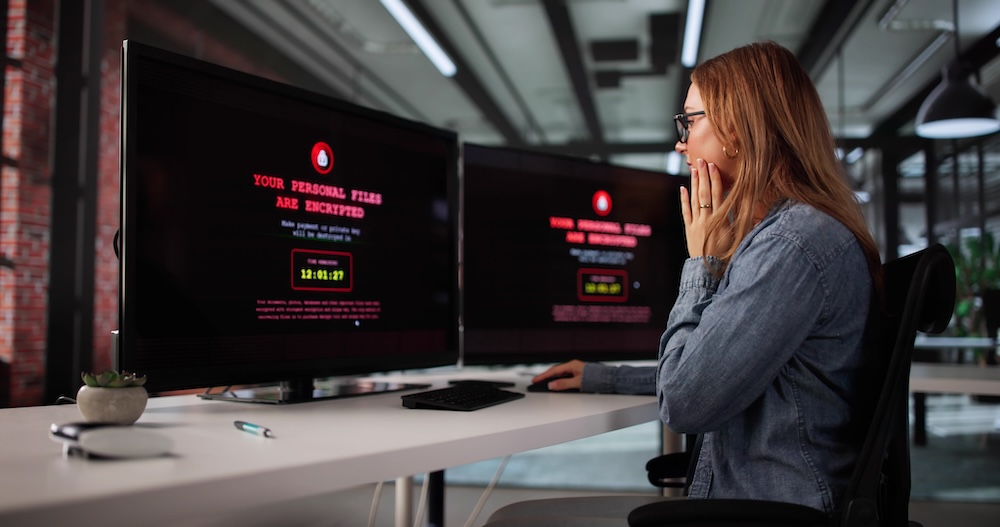
Your employees are either your strongest defence or your weakest link. Most ransomware attacks still start with a simple phishing email that tricks someone into clicking a malicious link or downloading an infected attachment, such as a fake vendor invoice that looks routine or a message claiming there is an issue with a Microsoft 365 account that needs immediate attention.
Security awareness training shouldn’t be just an annual requirement. Make it regular, practical, and relevant to what your team would typically encounter. Run simulated phishing campaigns to see who clicks and provide immediate feedback. When someone falls short on a test, use it as a teaching moment to help them understand what to look for next time.
Teach your team to pause before clicking. Does that urgent email from the CEO asking for a wire transfer sound right? Why would your vendor suddenly change their payment instructions via email? Create a culture where people feel comfortable verifying unusual requests through a secondary channel, like a phone call.
In 2026, some of these messages may even reference real projects or use familiar language pulled from public sources. An email might appear to come from a known supplier asking to “confirm updated payment details,” or direct users to a login page that looks identical to Microsoft or Google but is designed to steal credentials.
Multi-Factor Authentication Is Non-Negotiable
Enable multi-factor authentication everywhere you possibly can. Email accounts, cloud services, remote access portals, financial systems, everything.
It adds an extra step to the login process. But that minor addition is far better than dealing with a ransomware attack.
Cybercriminals regularly steal passwords through phishing, data breaches, or simple guessing. Multi-factor authentication means that even if they have your password, they can’t get in without that second form of verification. It’s one of the most effective defences available, and it’s usually free or low-cost to implement.
As attackers increasingly target cloud platforms and use AI tools to harvest and test credentials at scale, multi-factor authentication remains one of the simplest ways to stop a modern ransomware attack before it starts.
Backup Strategy: Your Insurance Policy
Here’s an uncomfortable truth: even with perfect security, you might still get hit. That’s why your backup strategy is absolutely critical. It’s not about if you’ll need it, but when.
The key principle is the 3-2-1 rule: three copies of your data, on two different types of media, with one copy stored offsite. In 2026, this typically means keeping your primary data on your systems, backing it up to a local device or network storage for quick recovery, and maintaining an additional backup in the cloud or at another physical location.
But here’s what many businesses forget to do: they create backups but never test them. Schedule regular restoration tests to make sure your backups work. There’s nothing worse than discovering during an emergency that your backup files are corrupted or incomplete.
Also crucial: keep at least one backup completely offline or air-gapped. Modern ransomware specifically hunts for backup files to encrypt them, too. If your backups are always connected to your network, they’re vulnerable to the same attack that hits your main systems.
Keep Your Systems Updated
Software updates fix security vulnerabilities. When vendors release updates, they’re patching holes that cybercriminals already know about and are actively trying to exploit.
For small businesses, this can feel overwhelming. You’ve got dozens or hundreds of devices and applications to manage. Consider using automated patch management tools that can handle this for you. Many antivirus and endpoint protection suites now include this functionality.
Pay special attention to your most vulnerable systems: anything that faces the internet, handles sensitive data, or provides remote access. These should be your priority for immediate patching when critical updates are released.

Network Segmentation: Don’t Put All Your Eggs in One Basket
If an attacker gets into your network, you don’t want them to have immediate access to everything. Network segmentation means dividing your network into separate zones with different security controls.
This doesn’t have to be complicated. Start simple. Your guest WiFi should be separate from your business network. Your financial systems and customer databases should be isolated from general office systems. Critical backups should be on a separate network segment with restricted access.
The goal is containment. If someone’s laptop gets infected, the damage should be limited to that device or segment rather than spreading across your entire organization.
Limit Access and Privileges
Every user and application should have only the minimum access necessary to do their job. This principle of least privilege significantly reduces your risk.
Does everyone in your company need administrative rights on their computers? Probably not. Can most employees do their jobs without access to your entire file server? Likely yes. Should your email marketing tool have permission to access your financial records? Definitely not.
Regular access reviews are essential. People change roles, vendors come and go, and those dormant accounts with excessive privileges become entry points for attackers. Quarterly reviews of who has access to what can catch problems before they become breaches.
Email Security Deserves Special Attention
Since email remains the primary attack vector, invest in good email security. Modern email security goes beyond basic spam filtering to include advanced threat protection that can detect phishing attempts, malicious links, and suspicious attachments.
Many ransomware campaigns are increasingly being designed to compromise SaaS accounts rather than on-premises systems. As these tactics continue to evolve heading into 2026, a single successful login to an email or file-sharing platform can give attackers access to sensitive data, internal conversations, and the ability to launch convincing follow-up attacks from a trusted account.
Features like link checking that analyzes URLs at the time of click rather than just when the email arrives, sandboxing that opens attachments in a safe environment to check for malicious behaviour, and banner warnings that flag external emails are all valuable protections.
Have an Incident Response Plan
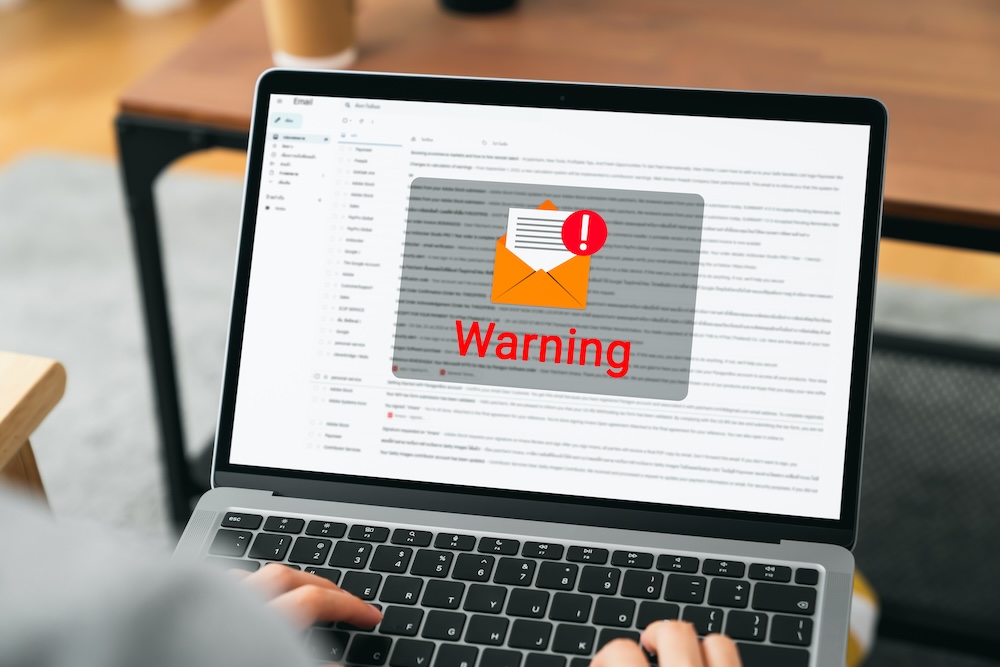
What would you do if you discovered ransomware on your systems right now? Who would you call? How would you communicate with customers? What systems could you operate without?
Your incident response plan should include contact information for your IT support, legal counsel, insurance provider, and a cybersecurity incident response firm. Document your critical systems and what you’d need to do to operate without them. Establish clear decision-making authority for who can authorize paying a ransom or making other critical calls.
Run tabletop exercises where you walk through a ransomware scenario as a team. This could include scenarios like discovering encrypted shared drives on a Monday morning or receiving a ransom note after an employee unknowingly entered credentials into a spoofed login page.These don’t need to be elaborate. Spending an hour discussing what you’d do can reveal gaps in your plan and help everyone understand their role in a crisis.
Cyber Insurance: Understanding Your Coverage
Cyber insurance can help with recovery costs, but it’s not a substitute for good security practices. Insurance companies are increasingly requiring specific security controls before they’ll issue policies, and they’re getting much more careful about what they cover.
Read your policy carefully. Understand what triggers coverage, what’s excluded, and what documentation you need to maintain. Some policies require you to report incidents within very short timeframes, sometimes 24 hours, or risk losing coverage.
The Path Forward
Protecting your business from ransomware in 2026 is about building layers of defence and creating a security-conscious culture in your organization.
Start with the fundamentals: strong authentication, regular backups, updated systems, and trained employees. These basics will prevent the vast majority of attacks. Then build from there based on your specific risks and resources.
The investment in security is far less than the cost of recovering from a ransomware attack, which includes not just ransom payments but downtime, data loss, customer notification, regulatory fines, legal costs, and reputation damage.
Most importantly, don’t let the perfect be the enemy of the good. You don’t need to implement everything at once. Pick your biggest vulnerabilities, address those, and keep improving. Every security measure you implement makes your business a harder target, and attackers often move on to easier victims.
Cybersecurity for small and medium businesses is about being prepared, staying vigilant, and making yourself a less appealing target than the business next door.
About hubTGI
hubTGI is a Canadian-owned Managed Services provider that offers Print Services, Workflow Solutions, Managed IT, Cybersecurity Solutions, Cloud Services and VoIP to help their customers control costs, secure their data and make their people more productive.
For the latest industry trends and technology insights visit hubTGI’s Resources page.